Shelf Screen Overview

This screen shows you a scrollable list of all the shelves you have.
For each shelf you can see:
- Name of the shelf - top line
- Total Number of DVDs
- Owned Number of DVDs
- Wanted Number of DVDs
- Not viewed Number of DVDs
- number of DVDs loaned out
A count of these fields will also be shown if the field is visible
you can change the icons, or remove them completely, in the Settings Screen
you can change the fields displayed using the Assign List Fields on the Settings Screen
The 'Unshelved' shelf always exists and contains all DVDs not allocated to any shelf
It default setting is to be hidden when there are no unshelved DVDs
Menu/Actions


Multi Selection


Add


Scan & Add


Scan One


Home Screen


Library Scanning


Filter


Rename


Delete


Share/Import/Export


Search


Settings


Help & Info
Change into multi mode and back out again
Select all Items or select no Items
Add DVD
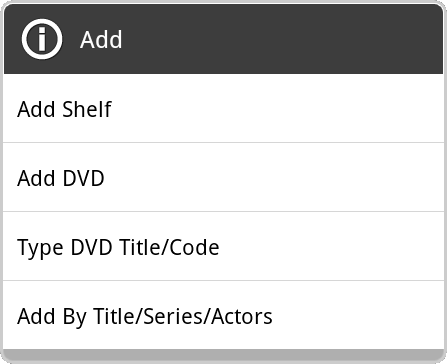
You can add (type) a new Shelf
You can start the Edit Details Screen to add a new DVD
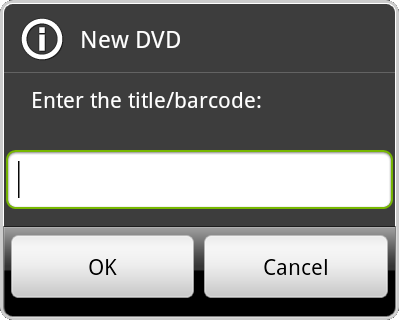
You can type a DVD title or a Barcode to add it to the current shelf immediately:
You can Find & Add DVDs by Title or Series or Actor
Repeatedly scans a Barcode and adds it to the current shelf
If a Barcode already exists, a new DVD will not be added
An information lookup will be triggered for each new item scanned (in the background)
See the Scanning Page for more details on scanning barcodes
Scans a Barcode then displays the Edit Details Screen
An information lookup will be triggered as soon as the Edit Details Screen is displayed
See the Scanning Page for more details on scanning barcodes
Assign this view out to to the Home Screen as one of the shortcut views
If you select one of the random lists, then a set of random DVDs will be shown on the Home Screen

Only displayed when loaned to field enabled in the Advanced Fields Settings
Scan to loan DVDs out or to return DVDs
You will be prompted for who to loan to:

Displays DVDs matching one of the fields:

Matching DVDs will be displayed in the Filtered DVDs Screen
You can filter by Wanted, Owned and Viewed fields that are visible
Or (on the Shelves Screen) view all DVDs
Or for matching values within a chosen field:

Then enter your wanted field value:
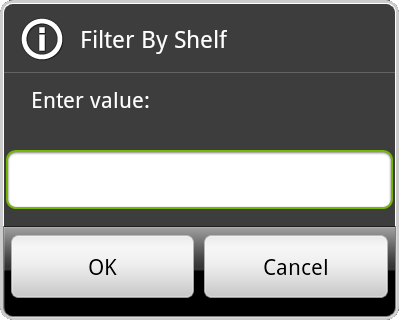
Changes the name of the selected shelf:

Deletes the selected shelves
You will be prompted to either
Delete just the shelf name (moving all DVDs to the 'unshelved' shelf)
or to delete all the DVDs in the shelf as well

Starts the export or import process
or starts Connect to other device process

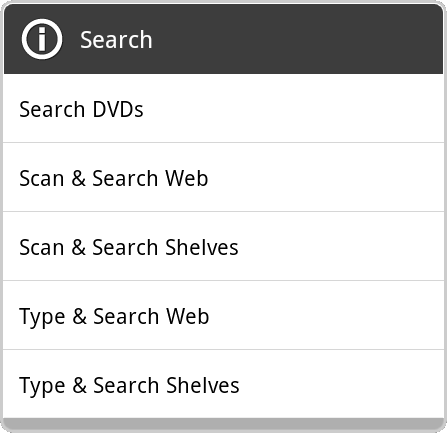
Opens the Search Screen or searches for DVDs in various ways
See the Search Page for more details
Starts the Settings Screen
Starts the Help Screen